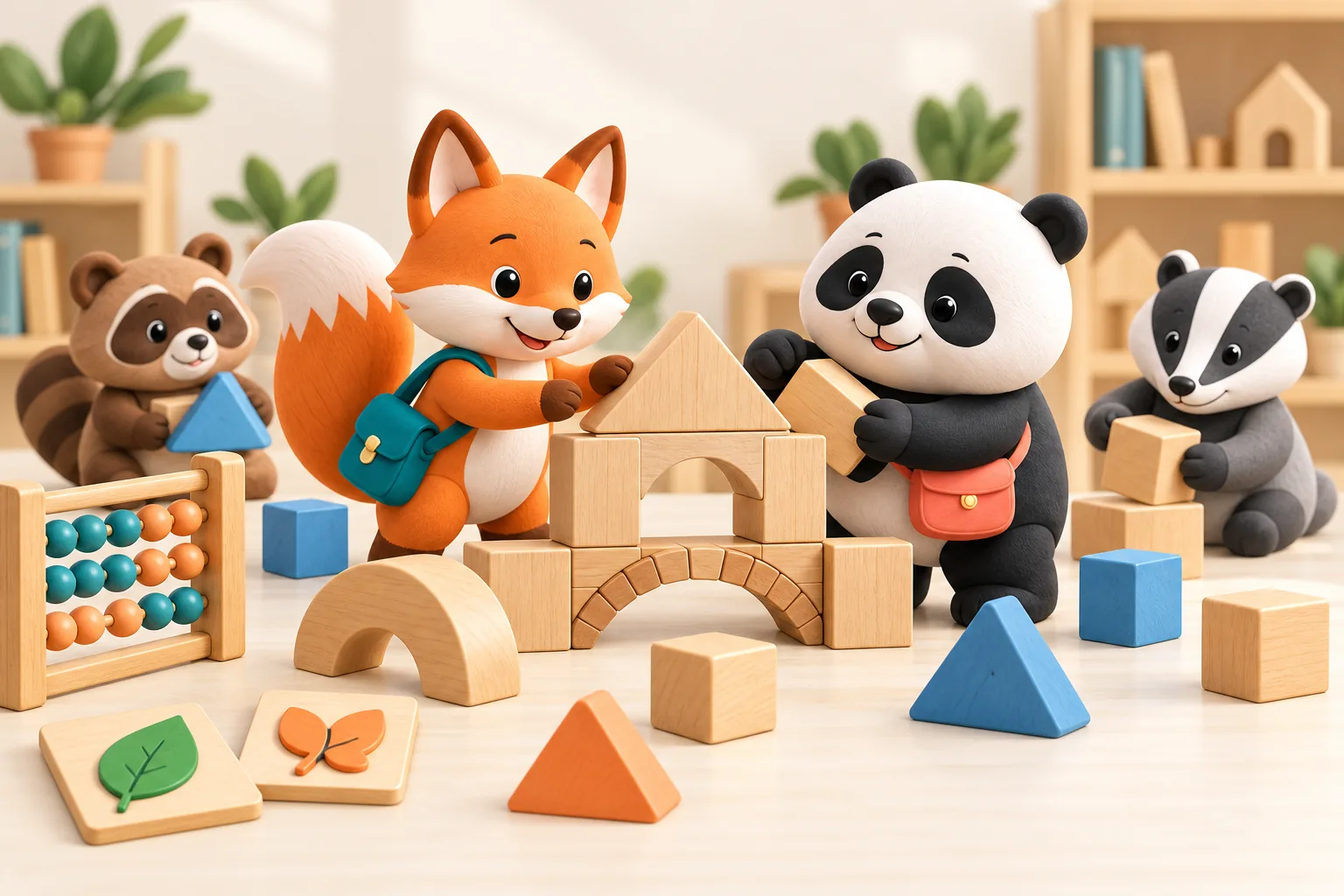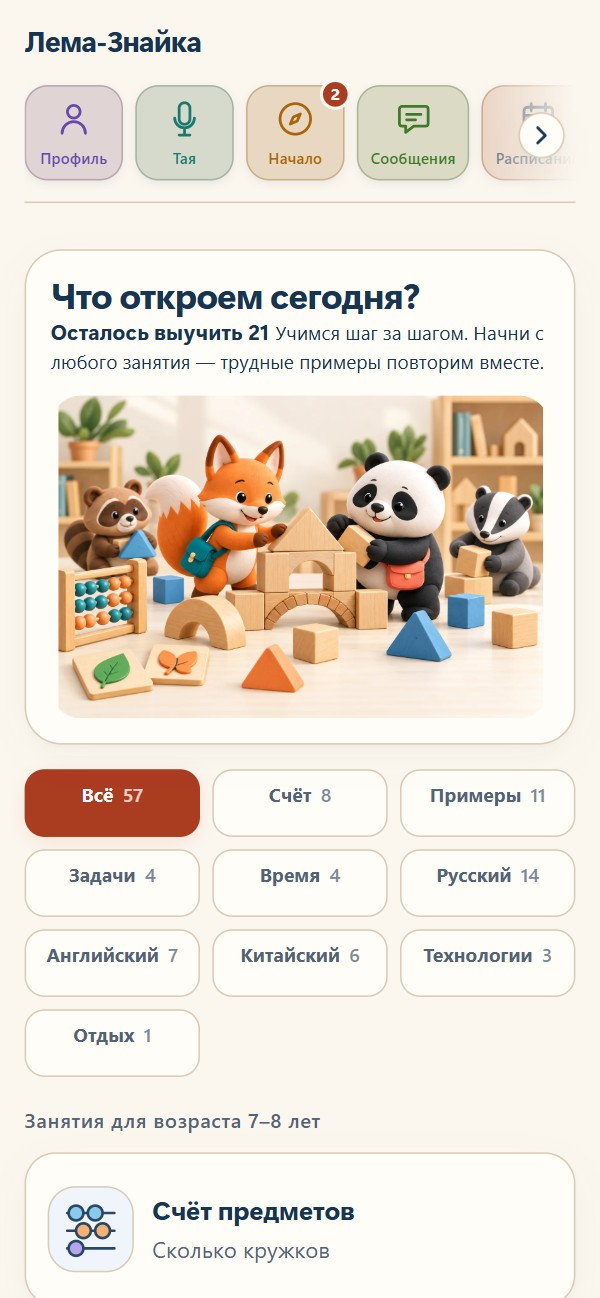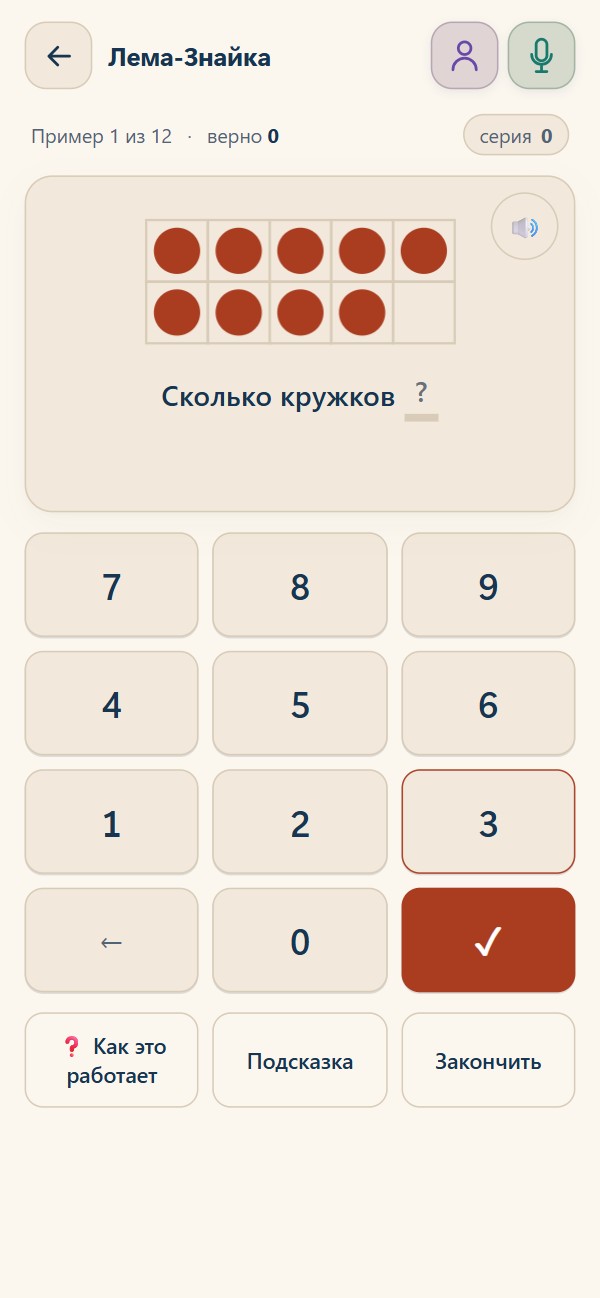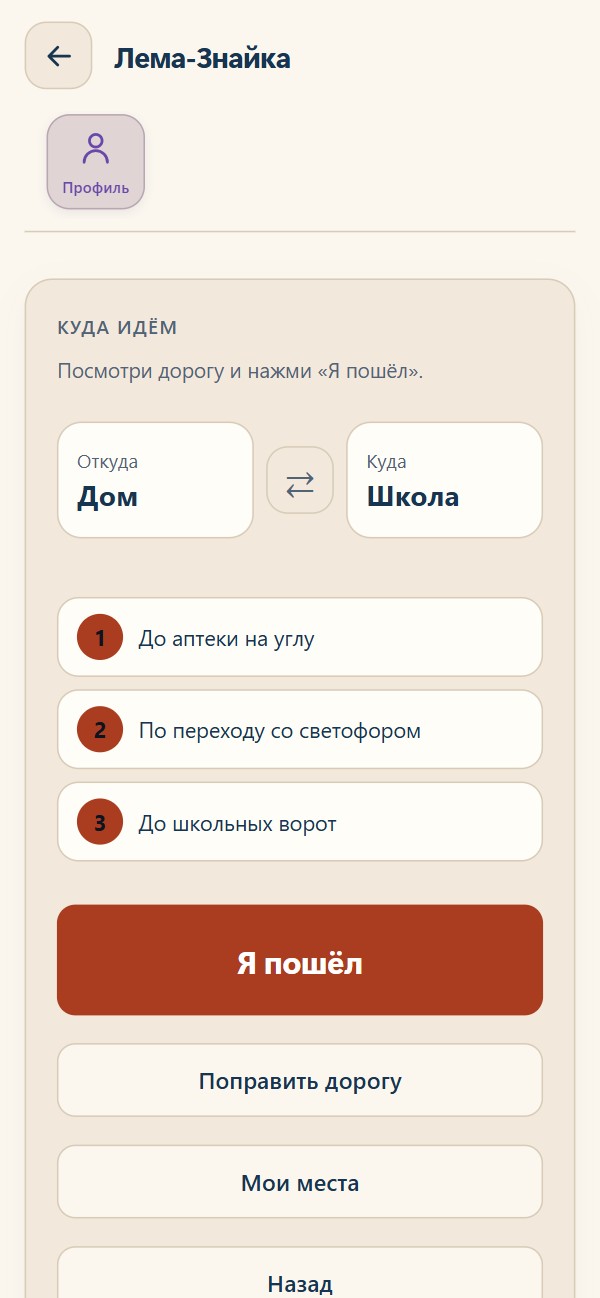
Choose a lookLet your child choose
FOR CHILDREN AGED 5–10, FAMILIES AND TEACHERS
Little discoveries.
Every day.
Maths, reading and English, one small step at a time. Short activities, a comfortable pace and Taya, a voice helper who explains things along the way.
The app, its interface and Taya currently work in Russian. This page is in English. A place to explore for Russian-speaking and bilingual families abroad.
Free · no ads · no download requiredOpen the app ↗Russian interface · no registration neededExplore the demo →A fictional family. Your own data stays separate.Actual app screen in Russian
Count. Read. Try something new.
Choose a familiar topic or explore a new one. Start with any activity.


Take a break with chess, draughts, backgammon, puzzles, spot-the-difference games, drawing and more. Practice adapts to results: questions a child finds difficult return more often.
TAYA
“Taya, I don’t understand.”
Let’s work it out together.
Taya can repeat a question, offer a hint and explain a task. Your child listens and follows the example on screen. In the app, ask in Russian: «Тая, помоги» — “Taya, help me”.
Microphone access starts with your action. You can try activities without it.
2 + 3 = ?
Start with two circles. Add three more and count on: three, four, five. Now there are five circles: 2 + 3 = 5.
Hear Taya’s example in Russian
This is a recorded example. You can talk to Taya inside the app.
You explain. They try and practise.
During a lesson
Pick a topic and work through an example together. Large buttons and spoken questions help the child follow along.
After an explanation
Let the child practise independently. Hints are available in regular practice and disabled in assessment mode.
With parents
Suggest a topic to revisit at home. Ask the parent to share the activity report so you can discuss mistakes together.
See what is working. Find where help is needed.
Activity reports show time spent, topics practised and mistakes. Review difficult examples and repeat them. Reading-aloud measurements can be viewed over time.
The school route. In your own words.
An adult marks home and school and describes familiar landmarks. The child follows the steps and taps “I’m leaving” and “I’ve arrived”.

The family route is currently invitation-only. There is no background tracking: location is visible while the app is open, and sending updates requires internet access.
Explore the route in the demo →A web app. Ready on your home screen.
Open the app first and wait for the activity list. You can use the link directly or add its icon to your device.
Open the app ↗iPhone / iPad
In Safari, open lemaznayka.ru, use Share (or More), then Add to Home Screen. Enable Open as Web App if offered, then tap Add.
Android
In Chrome, open lemaznayka.ru and use the browser menu to install the app or add it to your home screen. Confirm the installation.
Chrome · Windows / Mac
On a computer, look for the install icon in Chrome’s address bar or the option to install the page as an app in its menu.
If you opened the link inside a social app, open it in Safari or Chrome first. Menu labels vary by browser version. The first launch needs internet; online Taya replies, new audio and family route updates also need it.
Questions before you start
Is this a full school course?
No. It is a practice tool to use alongside learning with a teacher or parent.
What happens to voice and family data?
Reading a task aloud sends its text to our server and speech synthesis. The microphone requires an explicit action. Family features send progress and route information to our server. See the full privacy policy in Russian for retention and deletion details.
Where can I get help?
In the app, open the profile icon and choose «Написать в поддержку» (Contact support). You can attach a screenshot.